
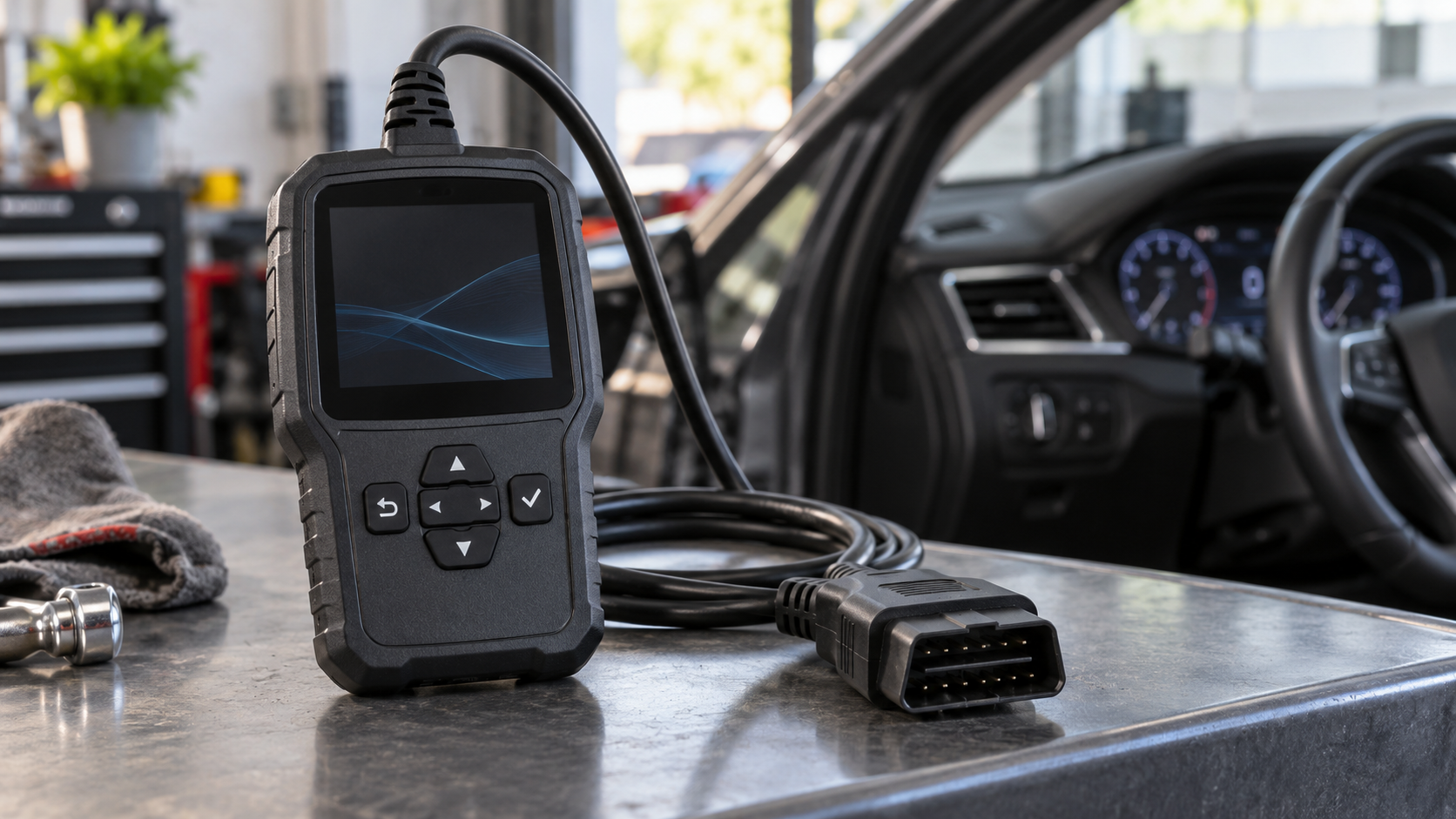
Shopping for an OBD-II scanner starts with the vehicles and repairs in front of you. A basic reader may answer a check-engine-light question. A shop diagnosing ABS, body systems or intermittent faults may need much more. Product labels such as “all system” or “professional” are starting points, not proof that every function works on every vehicle.
Begin with the job
| Your common task | Capability to verify |
|---|---|
| Read an engine warning | Generic powertrain trouble codes and readiness status. |
| Investigate an intermittent fault | Live data, graphing and freeze-frame information for the exact vehicle. |
| Service ABS, airbag or transmission | Confirmed access to those modules on your make and model. |
| Run a reset or active test | The named service function or bidirectional command on that vehicle. |
The EPA’s OBD consumer guide describes the system’s warning role. A trouble code points to a system or condition to diagnose; it does not identify a part to replace automatically. Readiness monitors report whether specified self-tests have run, which matters for emissions inspection and after codes are cleared.
Confirm vehicle coverage before price
Use the tool maker’s current coverage lookup for the exact year, make, model, engine and desired function. Generic OBD-II support does not guarantee access to every manufacturer module or service routine. Ask whether a function requires a secure gateway account, internet connection, paid software or an additional adapter. Bosch’s ADS feature list illustrates why “read codes,” live data, bidirectional controls and secure gateway access should be checked separately.
Compare the cost of ownership
Check the update period, renewal price, access after a subscription lapses, and whether the tool can be updated from your computer or Wi-Fi. Confirm screen readability, battery or power requirements, connector durability and reporting features if technicians share the tool. A cheaper device with no support for next year’s vehicles may be poor value for a busy shop; an expensive tablet may be unnecessary for occasional code checks.
Keep diagnostic limits in mind
Save the fault codes and freeze-frame data before clearing anything. Clearing codes can reset readiness monitors; it does not repair the cause of a warning light. EPA guidance on OBD inspection explains how readiness can be affected after a reset. Follow the vehicle service procedure before using active tests, calibrations or resets, since these commands can move components or change settings.
See our specialty tools by repair job guide. At National Tool Warehouse, compare the broader scan tools and code readers category with the dedicated scan tools selection. Verify compatibility and update terms for the exact model before purchasing.